
Stop taking meeting notes manually. It’s 2026. Read this Otter.ai review before you start your next Zoom call. 📝
We’ve all been there: You are in a Zoom meeting, trying to listen to your boss, brainstorm ideas, and write down notes at the same time. The result? You miss the important details, your handwriting is unreadable, and the meeting feels like a blur.
Enter Otter.ai.
It promises to be your personal AI secretary, transcribing your meetings in real-time and summarizing key points. But does it actually work accurately? Is the free plan enough for students and freelancers?
Otter.ai Review
Otter is an AI-powered transcription tool. It doesn’t just record audio; it turns speech into text instantly. It integrates seamlessly with Zoom, Google Meet, and Microsoft Teams. You can also upload pre-recorded audio files for it to transcribe.
Key Features We Love
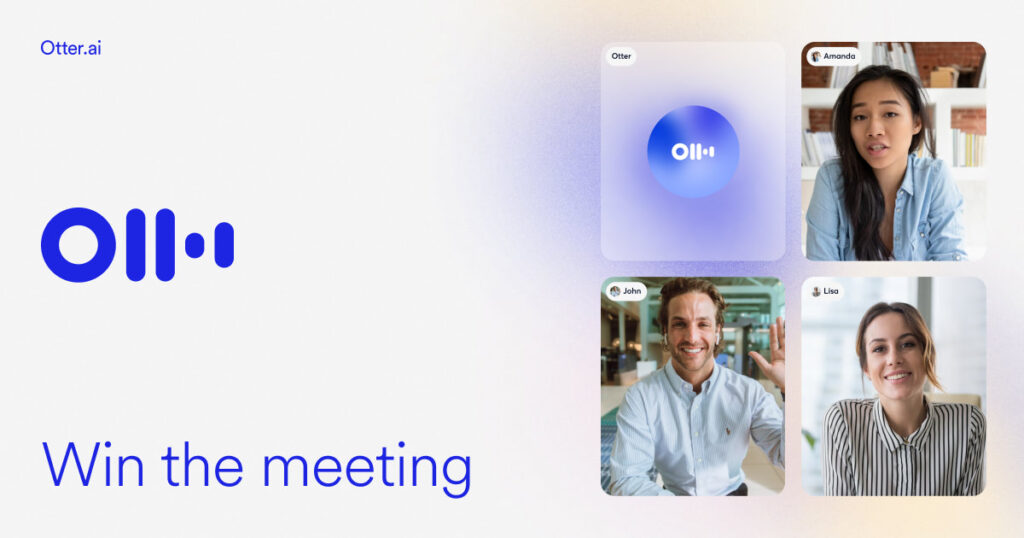
1. Real-Time Transcription: The coolest feature is watching the text appear as people speak. It’s like closed captions for your real life. You can highlight important sentences while the recording is happening.
2. Speaker Identification: Otter is smart enough to know who is talking. It labels the text as “Speaker 1,” “Speaker 2,” etc. You can later assign names (e.g., “John,” “Sarah”), and it will remember their voices for future meetings.
3. Automated AI Summary: This is a game-changer. After the meeting, Otter emails you a summary. It extracts the key topics and action items, so you don’t have to re-read the entire transcript.
Otter.ai Free vs. Pro
The free plan is surprisingly generous, but it has limits.
Otter Basic (Free):
- 300 minutes of transcription per month.
- 30 minutes maximum per conversation.
- Great for students recording short lectures or freelancers with few meetings.
Otter Pro ($10/month):
- 1,200 minutes per month.
- 90 minutes per conversation.
- Advanced search and export options.
- Essential for teams and power users.
Who Is It For?
- Students: Record your lectures. Instead of frantically writing everything, listen to the professor. Later, search the transcript for keywords like “exam” or “assignment.”
- Remote Workers: If you zone out during a Zoom call (we all do), Otter has your back. You can search the transcript later to see if anyone mentioned your name.
- Journalists & Creators: Upload your interview recordings and get a text draft in minutes instead of hours.
Otter.ai Key Features Breakdown
| Feature | What It Does | Why It Matters |
| 🎙️ Real-Time Transcription | Transcribes speech to text instantly while the meeting is happening. | You can read along and highlight key points without writing a single word. |
| 👥 Speaker Identification | Automatically detects different voices and labels them (e.g., Speaker 1, Speaker 2). | You always know who said what. No more confusion in group calls. |
| 🤖 AI Summary | Generates a concise summary of the meeting and emails it to you automatically. | Missed a meeting? Read the 2-minute summary instead of watching the hour-long recording. |
| 🔗 Platform Integration | Connects with Zoom, Google Meet, and Microsoft Teams. | The “OtterPilot” joins your calls automatically, so you never forget to press record. |
| 🔍 Advanced Search | Allows you to search for specific keywords inside the audio/text. | Find the exact moment someone mentioned “budget” or “deadline” instantly. |
| 📱 Mobile App | Works seamlessly on iOS and Android. | Perfect for recording lectures, interviews, or ideas while walking. |
Conclusion: Should You Use It?
If you are a student, a freelancer, or a remote worker, Otter.ai is a lifesaver. It frees your brain to focus on the conversation, not the notebook.
The accuracy isn’t 100% perfect (it might struggle with heavy accents), but for a free tool, it is remarkably good.
My recommendation: Sign up for the free plan today. Use it for your next meeting, and enjoy the feeling of closing your notebook and actually listening.
if you want to discover more easy-to-use tools, check out our list of 5 Free AI Tools for Non-Techies.
Pingback: 10 Best Free AI Tools for Students in 2025 (Save Time & Boost Grades) -