
Let’s be real—being a student in 2025 is tough. Between endless assignments, group projects, exam prep, and trying to have some kind of social life, it feels like there aren’t enough hours in the day. You’re juggling deadlines, pulling all-nighters, and constantly wondering if you’re doing enough.
Here’s the good news: AI isn’t just for tech companies and researchers anymore. There are incredible tools out there that can help you study smarter, not harder—and the best part? They’re completely free (or have seriously powerful free plans).
If you’re looking for the best free AI tools for students that actually make a difference in your grades and free time, you’re in the right place. I’ve tested dozens of AI tools, and these 10 are absolute game-changers. No fluff, no expensive subscriptions—just practical free AI tools for students that work.
Let’s dive into the best free AI tools for students in 2025.
Why Students Need Free AI Tools in 2025
Before we jump into the list, let’s talk about why these free AI tools for students matter. Whether you’re in high school or university, the right AI tools can:
- Save you hours every week on research and assignments
- Help you understand difficult concepts faster
- Improve the quality of your work (hello, better grades!)
- Reduce stress and prevent burnout
- Level the playing field—no expensive tutors needed
The best free AI tools for students give you superpowers without draining your wallet. Now, let’s explore each tool.
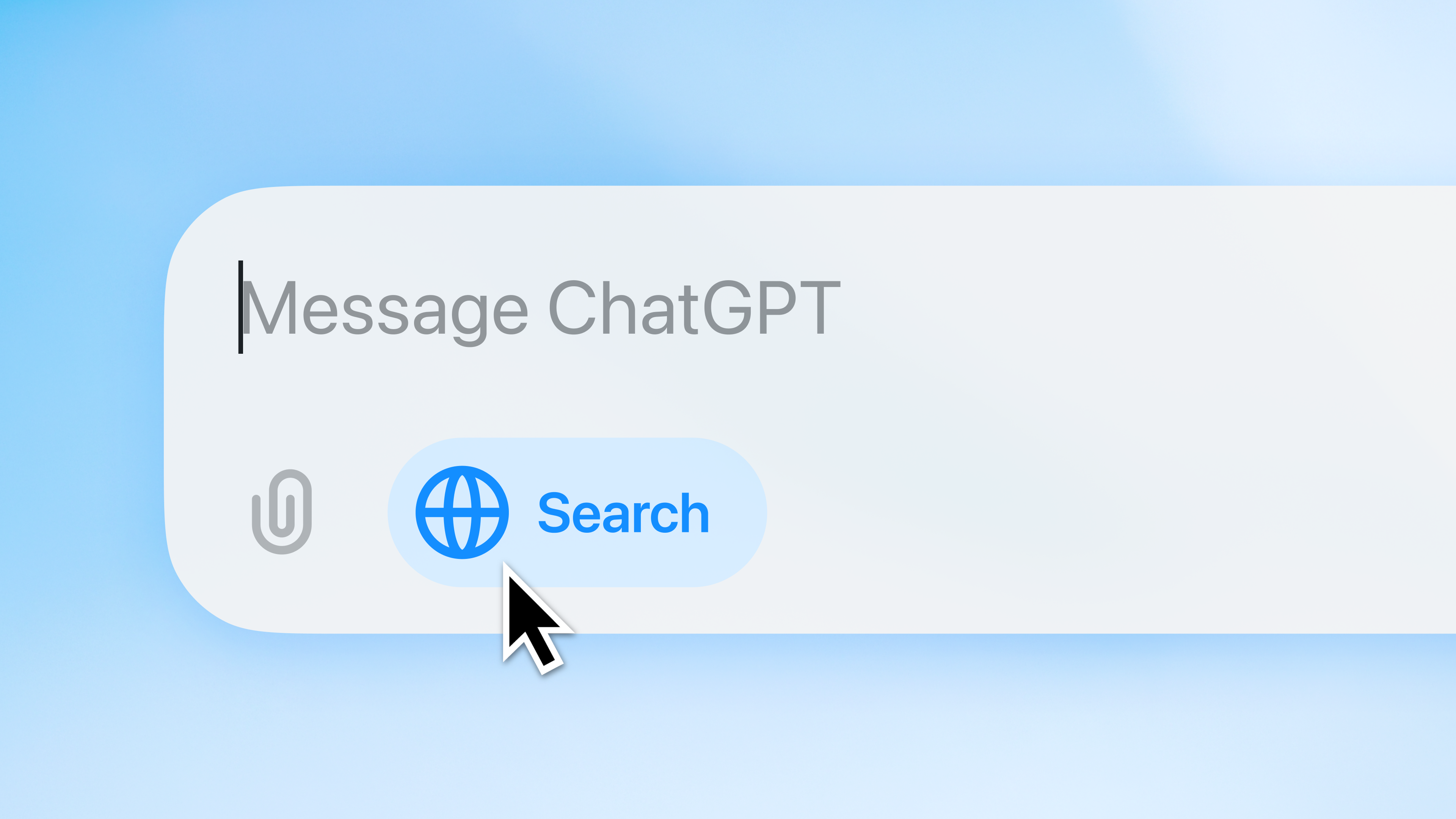
1. ChatGPT – Your 24/7 Study Buddy
What It Does: ChatGPT is like having a super-smart friend who never sleeps. Need help understanding a confusing concept? Want to brainstorm essay ideas? Stuck on how to start a research paper? ChatGPT can explain things in simple terms, generate outlines, and even quiz you on topics.
Best Feature: It explains complex topics in whatever way makes sense to you. Ask it to “explain quantum physics like I’m five” or “give me a summary of this chapter in bullet points”—it adapts to your learning style.
Who’s It For? Literally every student. Whether you’re in high school or university, studying humanities or STEM, ChatGPT is one of the best free AI tools for students as your go-to assistant for quick answers and brainstorming.
Pro Tip: Use it to create practice questions for exams or to break down intimidating textbook chapters into digestible pieces.
2. Otter.ai – Never Miss a Lecture Again
What It Does: Otter.ai is a game-changer among free AI tools for students. It records lectures, meetings, or study sessions and automatically transcribes everything in real-time. You can highlight key points, add photos, and search through your notes by keyword.
Best Feature: The AI actually identifies different speakers and creates a clean, organized transcript. Plus, it generates automatic summaries so you can quickly review what was covered.
Who’s It For? Perfect for students who struggle to keep up with fast-talking professors, anyone in online classes, or if you just want to actually listen in class instead of frantically scribbling notes.
Why We Love It: We’ve written a detailed review of Otter.ai because it’s honestly one of the most underrated free AI tools for students. The free plan gives you 300 monthly transcription minutes—that’s roughly 10 hours of lectures!

3. Canva – Make Your Presentations Actually Look Good
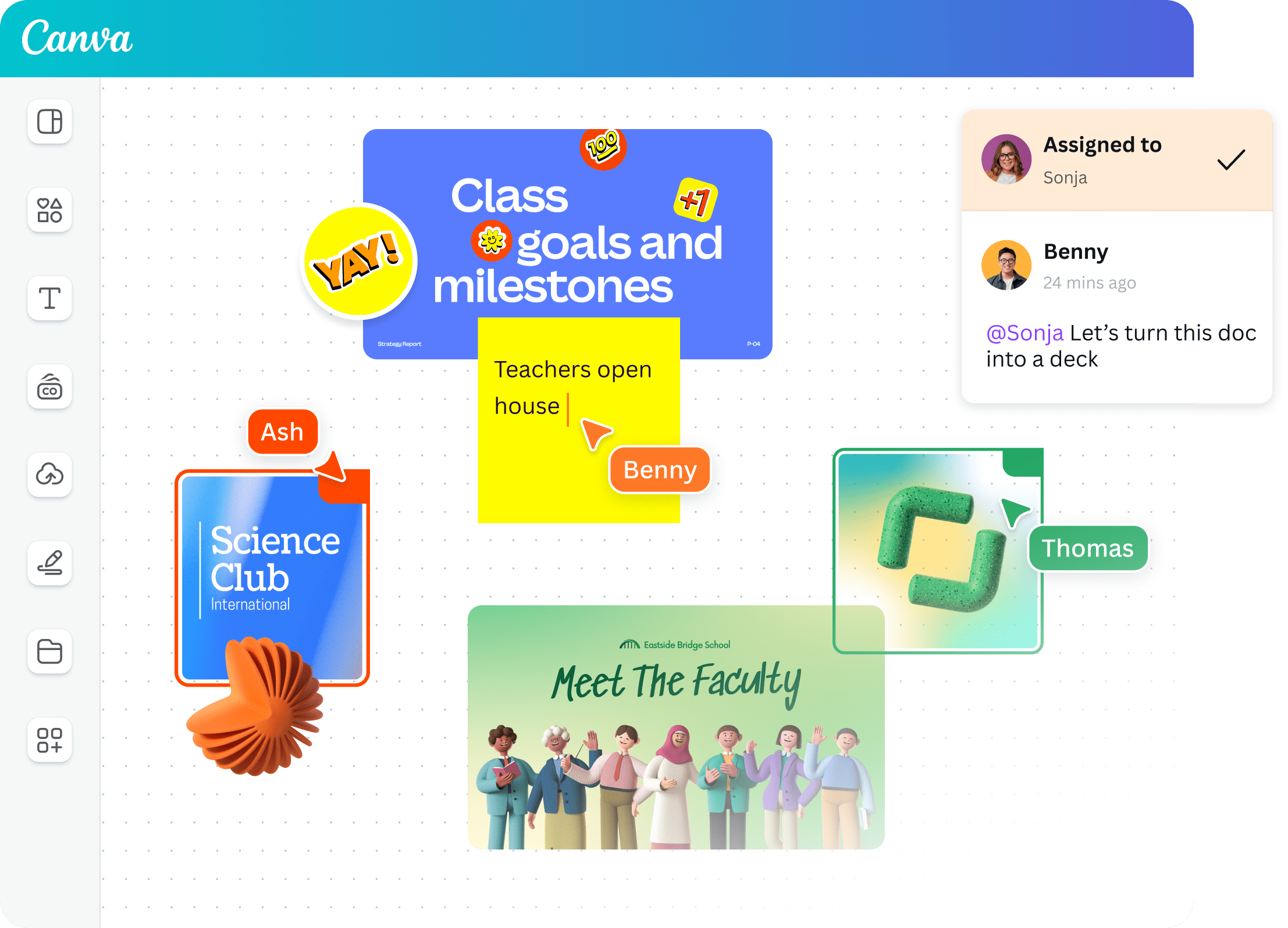
What It Does: Canva is your design superhero and one of the most popular free AI tools for students. Need to create a presentation? Design a poster for a project? Make an infographic for your research? Canva has thousands of templates and its AI tools make design ridiculously easy—even if you have zero design skills.
Best Feature: The new AI-powered features are insane. You can generate images, remove backgrounds, create entire presentation layouts from prompts, and even use “Magic Write” to help with content.
Who’s It For? Any student who wants their work to look professional without spending hours on design. Great for presentations, reports, social media projects, or portfolio building.
Why It Stands Out: While PowerPoint is fine, Canva makes you look like you actually care about your work. Professors notice good design, and it can genuinely boost your grades.
Considering upgrading? Read our Canva Free vs Pro guide.
4. Bing Image Creator / Microsoft Designer – Free AI Image Generation
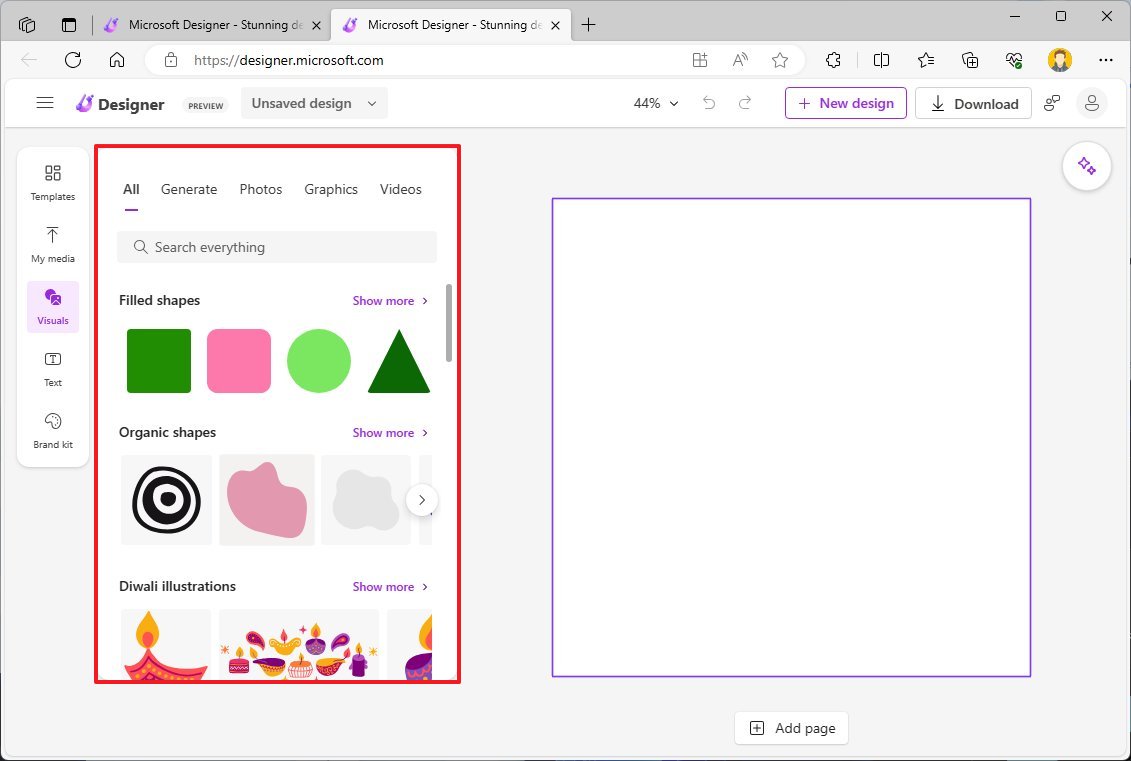
What It Does: Need visuals for a project but can’t afford stock photos or tools like Midjourney? Microsoft’s AI image tools (powered by DALL-E) let you generate custom images from text descriptions—completely free. This is definitely one of the best free AI tools for students on a budget.
Best Feature: No subscription needed, no credit card, no limits that actually matter for student use. Just type what you need, and boom—you’ve got unique images.
Who’s It For? Students working on presentations, creative projects, marketing assignments, or anyone who needs original visuals without copyright issues.
Real Talk: This is the best free alternative to Midjourney. While Midjourney requires a paid subscription, Microsoft gives you similar AI image generation for $0. Perfect for students using free AI tools for students.
5. Perplexity AI – Research Without the Rabbit Holes
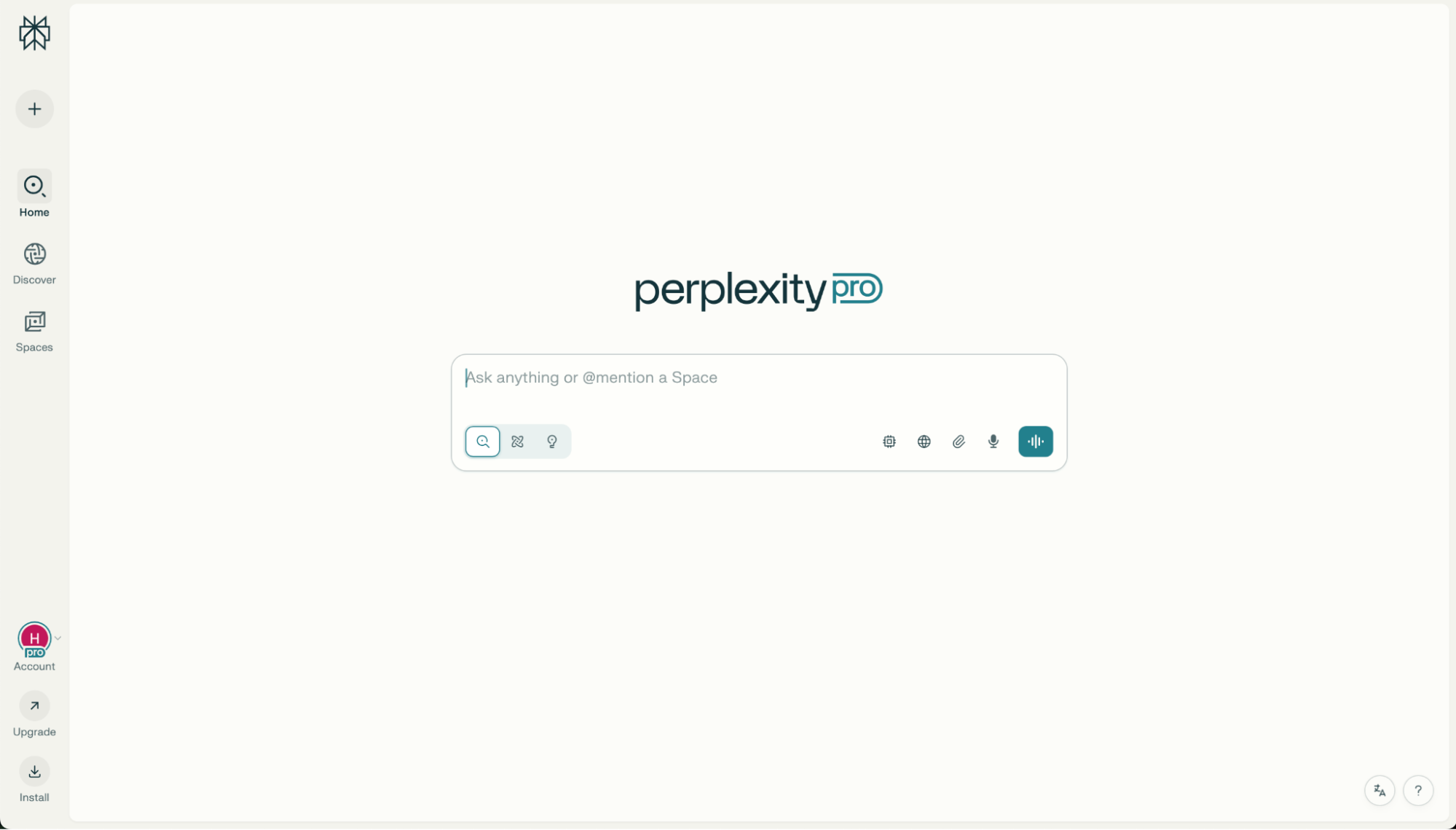
What It Does: Think of Perplexity as Google meets ChatGPT. It searches the web, finds relevant information, and gives you clear, sourced answers with citations. No more opening 47 tabs and forgetting what you were researching. Among the best free AI tools for students, Perplexity stands out for research.
Best Feature: Every answer includes sources and citations, which is clutch for academic work. You can ask follow-up questions and it remembers the context of your conversation.
Who’s It For? Students doing research papers, literature reviews, or anyone who needs to find credible information fast. It’s especially great for starting research when you don’t even know where to begin.
Why Use It: Instead of spending an hour Googling and reading through irrelevant pages, Perplexity gives you a synthesized answer with sources in seconds.
6. Grammarly – Write Like You Actually Proofread
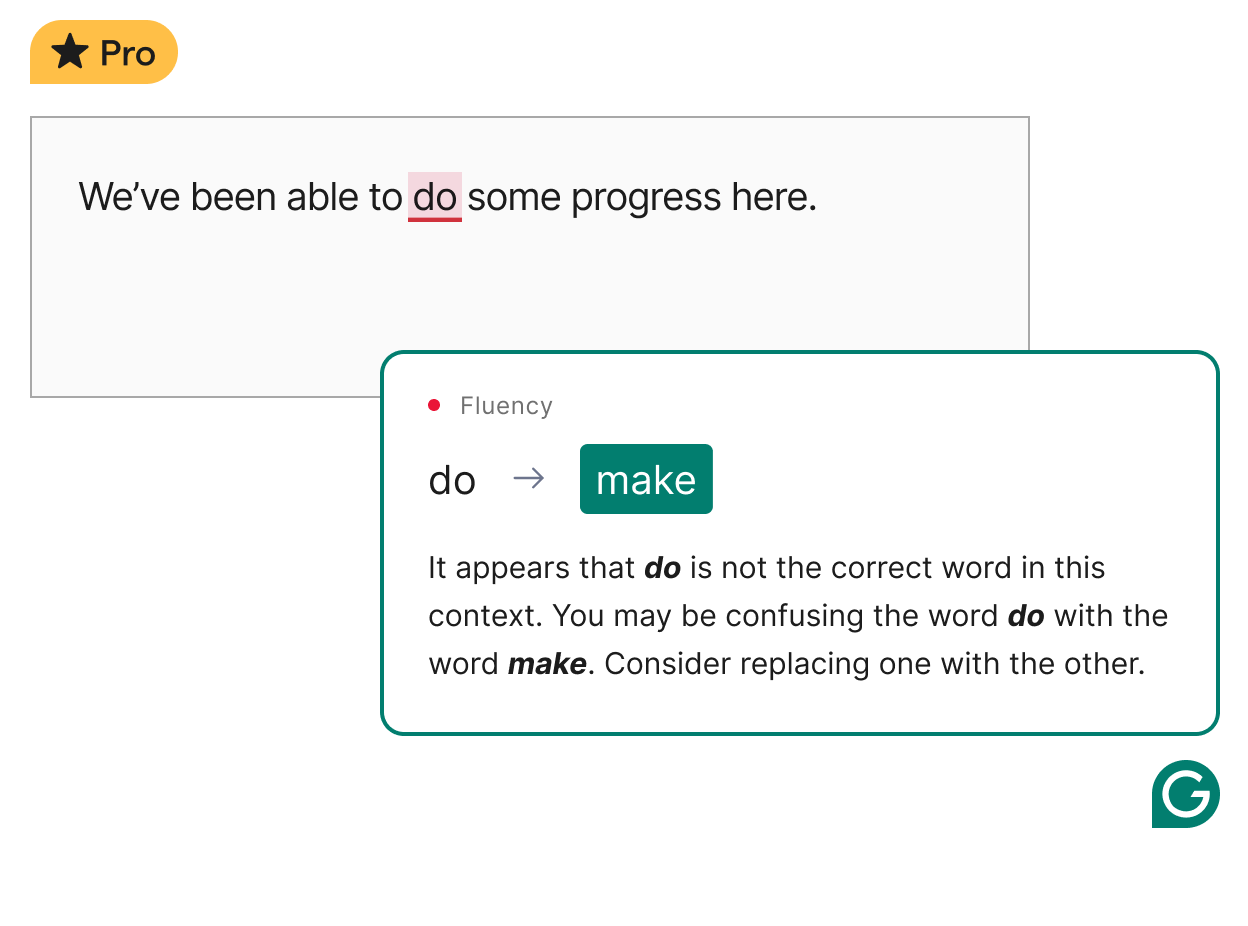
What It Does: Grammarly is an AI writing assistant that catches grammar mistakes, spelling errors, punctuation issues, and awkward phrasing. It works everywhere—Google Docs, email, social media, you name it. It’s essential among free AI tools for students who write frequently.
Best Feature: The tone detector. It tells you if your writing sounds formal, casual, confident, or unclear. Super helpful when you’re writing emails to professors or formal essays.
Who’s It For? Any student writing in English. Whether English is your second language or you just want to polish your writing, Grammarly catches mistakes you’d never notice.
Free vs. Paid: The free version is honestly enough for most students. It catches all the essential errors that would hurt your grade.
7. Photomath – Your Math Problem Solver
What It Does: Photomath lets you take a picture of any math problem, and it shows you step-by-step solutions. Algebra, calculus, trigonometry, word problems—it handles them all. For STEM students, it’s one of the best free AI tools for students.
Best Feature: It doesn’t just give you the answer; it shows you how to solve it with detailed explanations. This means you actually learn instead of just copying answers.
Who’s It For? Students struggling with math homework or anyone who needs to check their work. It’s like having a patient tutor available 24/7.
Important: Use it to learn, not just to cheat. Understanding the steps is what gets you through exams.

8. Notion AI – Organize Your Entire Academic Life
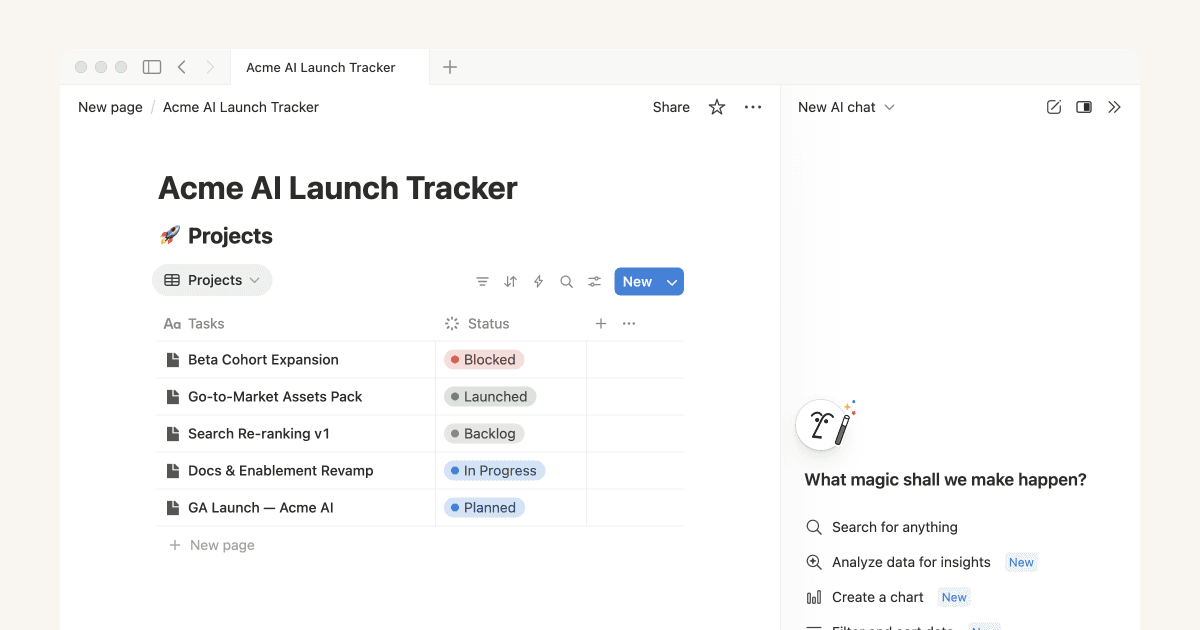
What It Does: Notion is the ultimate all-in-one workspace for notes, tasks, projects, and databases. With Notion AI built in, you can generate summaries, improve writing, brainstorm ideas, and organize information faster. It’s one of the most versatile free AI tools for students.
Best Feature: You can create custom databases for tracking assignments, storing notes from different classes, planning projects, and managing your schedule—all in one place.
Who’s It For? Students who feel overwhelmed by scattered notes, forgotten deadlines, and disorganization. If you want to level up your productivity game, Notion is it.
Learning Curve: There’s a bit of setup, but once you get the hang of it, you’ll wonder how you ever managed without it.
9. Quillbot – Paraphrase and Summarize Like a Pro
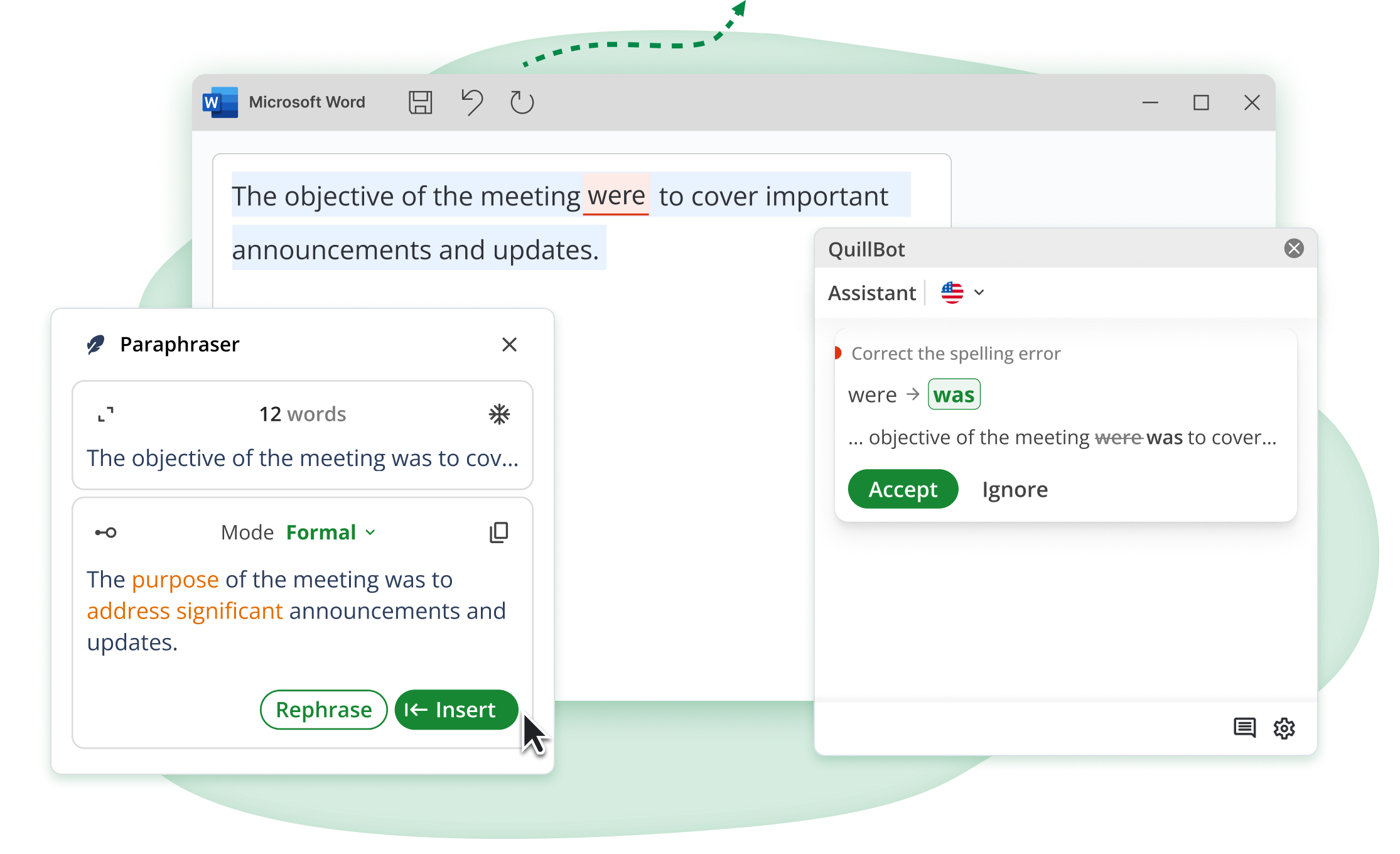
What It Does: Quillbot helps you paraphrase text, summarize long articles or papers, and improve your writing. It’s great when you need to rewrite something in your own words or condense research. Among free AI tools for students, Quillbot excels at text processing.
Best Feature: The summarizer tool can take a 10-page article and give you the key points in seconds. Huge time-saver when you’re doing research.
Who’s It For? Students working on research papers, literature reviews, or anyone who needs to process a lot of reading material quickly.
Ethics Note: Use it to help understand and rephrase ideas, not to plagiarize. Always cite your sources properly.
10. Wolfram Alpha – The Computational Knowledge Engine
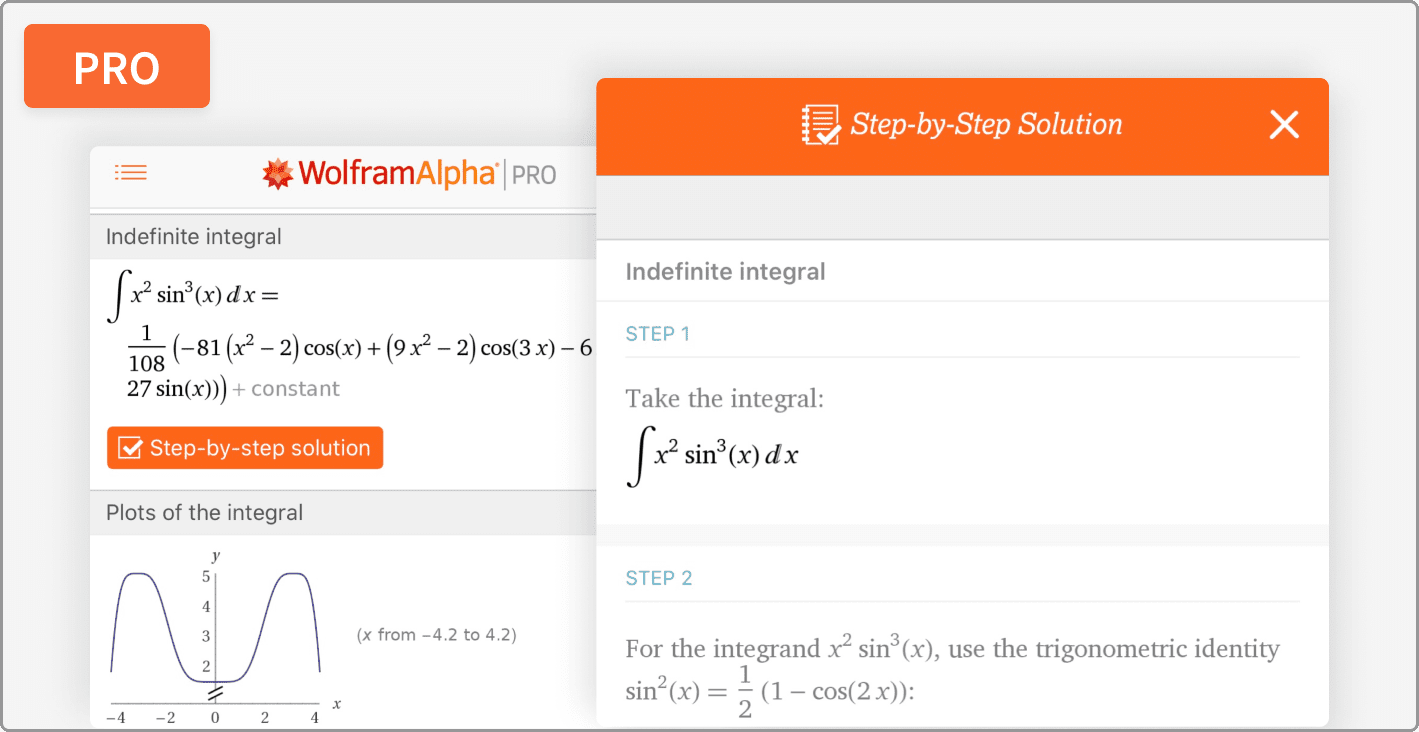
What It Does: Wolfram Alpha is like a supercharged calculator that can handle complex math, science, statistics, and more. Type in equations, data sets, or questions, and it gives you detailed solutions and explanations. For technical subjects, it’s among the best free AI tools for students.
Best Feature: It shows step-by-step solutions for math problems and can handle everything from basic algebra to advanced calculus and statistics.
Who’s It For? STEM students who need help with math-heavy courses. It’s also great for chemistry, physics, and statistics problems.
Why It’s Special: Unlike a regular calculator, Wolfram Alpha understands what you’re asking and provides context and explanations.
Comparison Table: Best Free AI Tools for Students
When choosing the best free AI tools for students, it helps to see them side-by-side. This comparison of the best free AI tools for students covers everything you need to know.
| Tool | Primary Use | Best For | Free Limit |
|---|---|---|---|
| ChatGPT | AI Assistant | Brainstorming | GPT-3.5 Only |
| Otter.ai | Transcrb | Lecture Notes | 300 mins/mo |
| Canva | Design | Presentations | Most Templates |
| Bing Image | Image Gen | Project Visuals | Daily Credits |
| Perplexity | Research | Sourcing | Unlimited Basic |
| Grammarly | Writing | Editing | Basic Checks |
| Photomath | Math Solver | Homework | Basic Steps |
| Notion AI | Organizr | Note-taking | Limited AI |
| Quillbot | Parphrse | Rewriting | 125 Words |
| Wolfram | STEM Calc | Complex Math | Basic Sol. |
Quick Selection Guide: Best Free AI Tools for Students by Category
Finding the right tools among the best free AI tools for students depends on your specific needs:
If you need help with…
- 📝 Writing & Essays: Grammarly, ChatGPT, Quillbot (top free AI tools for students who write)
- 🎓 Taking Notes: Otter.ai, Notion AI (essential free AI tools for students)
- 🔬 Math & Science: Photomath, Wolfram Alpha, ChatGPT (best free AI tools for students in STEM)
- 🔍 Research: Perplexity AI, ChatGPT (powerful free AI tools for students)
- 🎨 Presentations & Design: Canva, Bing Image Creator (creative free AI tools for students)
- ⏰ Time Management: Notion AI (productivity free AI tools for students)
- 🌐 General Study Help: ChatGPT, Perplexity AI (must-have free AI tools for students)
How to Get Started with Free AI Tools for Students
Ready to use these best free AI tools for students? Here’s your action plan:
- Start with ChatGPT – It’s the most versatile of all free AI tools for students
- Add Otter.ai if you take lots of lecture notes
- Try Canva for your next presentation
- Bookmark Perplexity AI for research projects
- Install Grammarly for better writing
Don’t try to learn all 10 free AI tools for students at once. Pick 2-3 that solve your biggest problems right now, master them, then add more as needed.
Common Mistakes Students Make with Free AI Tools
While these are the best free AI tools for students, here’s how NOT to use them:
❌ Don’t use AI to completely write your essays (that’s plagiarism) ❌ Don’t rely on AI without understanding the material ❌ Don’t ignore your professor’s AI usage policies ❌ Don’t skip fact-checking AI-generated information
✅ Do use these free AI tools for students to learn faster ✅ Do verify important information from multiple sources ✅ Do cite AI tools when required by your institution ✅ Do focus on understanding, not just getting answers
Ready to Transform Your Student Life?
There you have it—the best free AI tools for students in 2025. These aren’t just random apps; they’re tools that can genuinely save you hours every week and help you produce better work.
The best part? You don’t need to be tech-savvy or spend money to use these free AI tools for students. Just pick one or two that match your biggest struggles right now and start experimenting.
Remember, these best free AI tools for students are meant to enhance your learning, not replace it. Use them to understand concepts better, work more efficiently, and reduce stress—not to avoid doing the work altogether.
The free AI tools for students we’ve covered today prove that you don’t need expensive subscriptions to succeed academically. Start with the free versions and upgrade only if absolutely needed.
So here’s my question for you: Which of these best free AI tools for students are you going to try first? Drop a comment below and let me know what you’re struggling with most—I’d love to hear how these free AI tools for students work out for you!
Now go crush those assignments with the best free AI tools for students by your side. You’ve got this. 💪