
Starting a new business or a side hustle?
The first thing you usually worry about is the logo. You look at hiring a graphic designer, and they quote you $150. You look at cheap freelance sites, and the quality is terrible.
Stop right there. 🛑
You don’t need to spend a fortune. In fact, you can have a unique, professional free logo design yourself in less than 5 minutes using Canva’s AI tools.
In this guide, I will show you exactly how to do it, step-by-step.
Step 1: Open Canva’s Magic Media
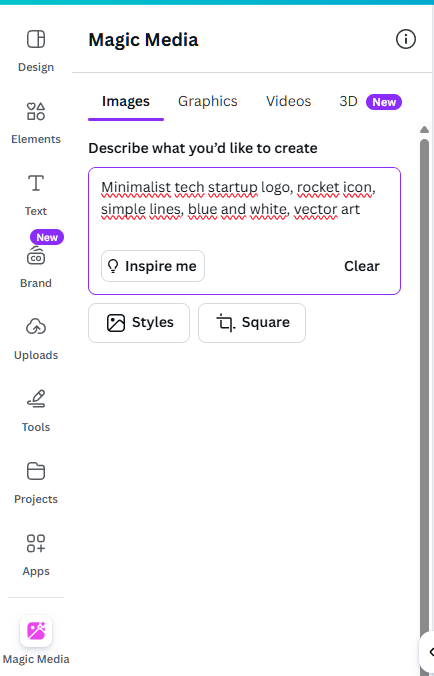
First, log in to your Canva account. On the left sidebar, look for “Apps” and search for “Magic Media” (formerly Text to Image).
This is Canva’s powerful AI image generator. It turns your words into visual art instantly.
Step 2: Write the Perfect Prompt
This is where the magic happens. You need to describe what you want.
Don’t just type “Coffee logo”. Be specific!
Try this formula:
[Type of business] logo, [Style], [Colors], white background.
- Example 1: “Minimalist coffee shop logo, vector art, black and gold lines, white background.”
- Example 2: “Cute bakery logo with a cupcake, cartoon style, pastel colors, white background.”
Step 3: Generate and Choose
Click the “Generate image” button.
In seconds, Canva will give you 4 unique options. Don’t like them? Just click “Generate again”.
Once you see one you like, click on it to add it to your canvas.
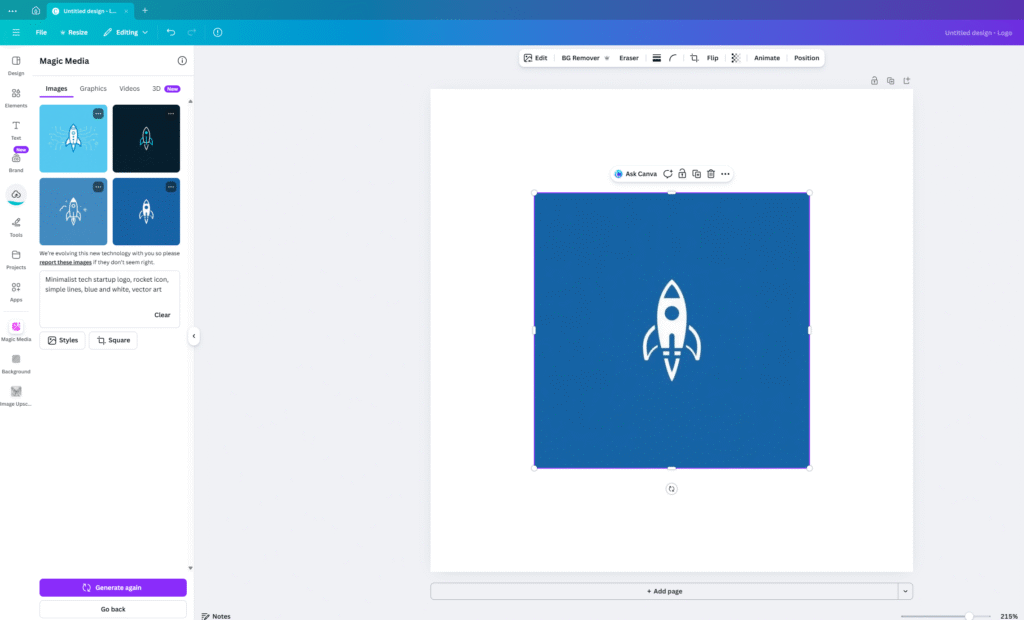
Pro Tip: Get Variations
Did you find a logo style you love, but it’s not quite 100% right yet? You don’t have to start over!
- Hover over the image you like best.
- Click the three dots (…) option button on the image.
- Select “Generate more like this”.
Canva will keep the style of that logo and generate 4 new, unique variations for you to choose from. This is the secret to finding the perfect design.
Step 4: Add Your Text
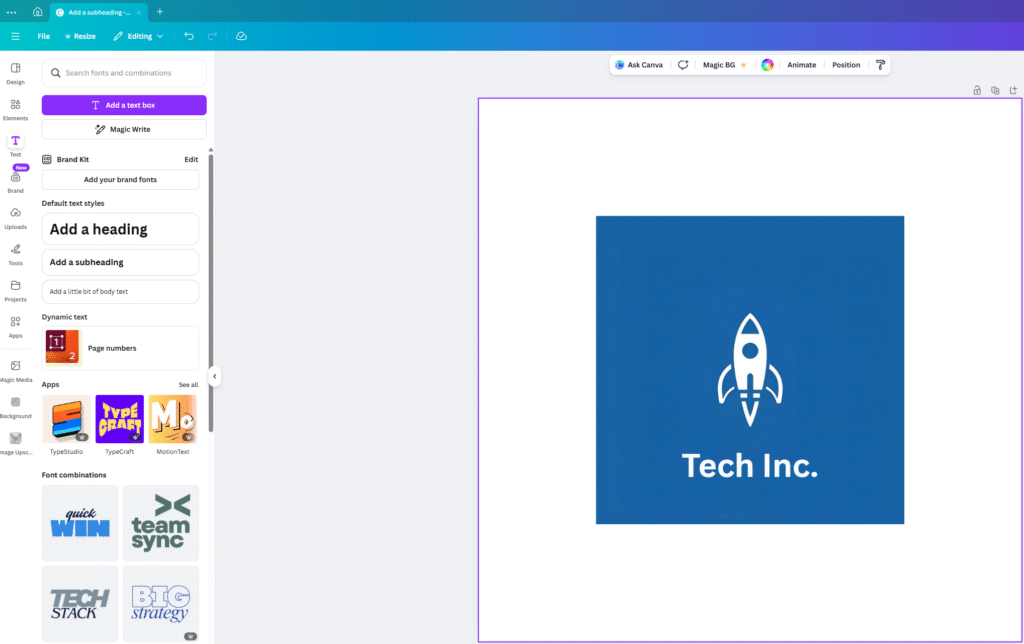
Now, press
Ton your keyboard to add a text box. Type your brand name underneath the logo icon.Pro Tip: Pick a clean, bold font like “League Spartan” or “Montserrat” to make it look professional.
Conclusion:
See? You just saved $150. 💸
You don’t need a degree in graphic design to build a brand. You just need the right tools to get your free logo design.
Give it a try today and let us know what you created!
Pingback: Is Your Website Drowning in Purple AI Slop? How to Fix It (2026 Guide) - zeroskillai.com
Pingback: The Ultimate Negative Prompt List: How to Fix Ugly AI Art Instantly - zeroskillai.com
Pingback: Canva Free vs. Canva Pro: Is It Worth the Upgrade in 2025? (Honest Review) -